
Touchpad and input
Laptop Touchpad Not Working in Bangalore
Touchpad stopped responding? It is often a setting or driver rather than a broken part. Share what is happening on WhatsApp, agree on a price, and a technician sorts it out at your home or office in Bangalore.
High-quality and genuine parts
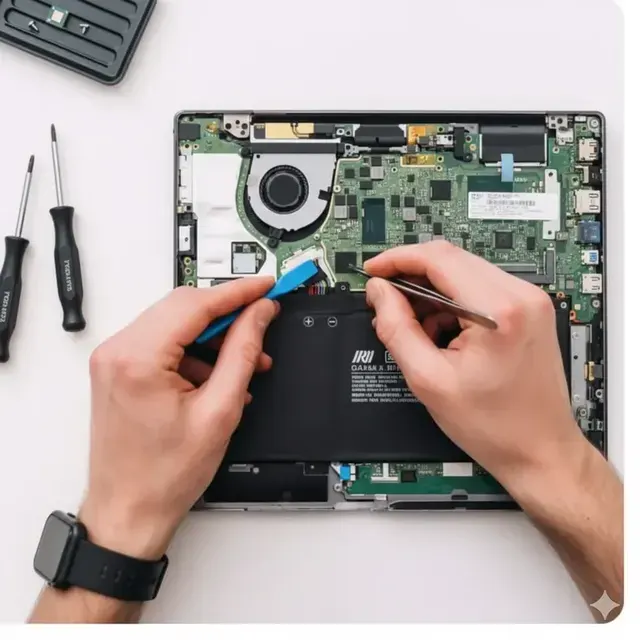
*Discount applies to first-time customers. Starting price varies by solution type.
Swipe to see offer →
Touchpad and input
Laptop Touchpad Not Working in Bangalore
Touchpad stopped responding? It is often a setting or driver rather than a broken part. Share what is happening on WhatsApp, agree on a price, and a technician sorts it out at your home or office in Bangalore.
High-quality and genuine parts
*Discount applies to first-time customers. Starting price varies by solution type. Limited warranty coverage terms apply to eligible components.
Click or drag to see offer →
How It Works
Simple 3-step process
Get Price
Get instant price quotation by live WhatsApp chat or fill the form on our website
Book Solution
Book after the model, scope and quote are confirmed
Get Device Ready
Relax! Our engineer will visit your location and get your laptop ready
How a touchpad issue is handled
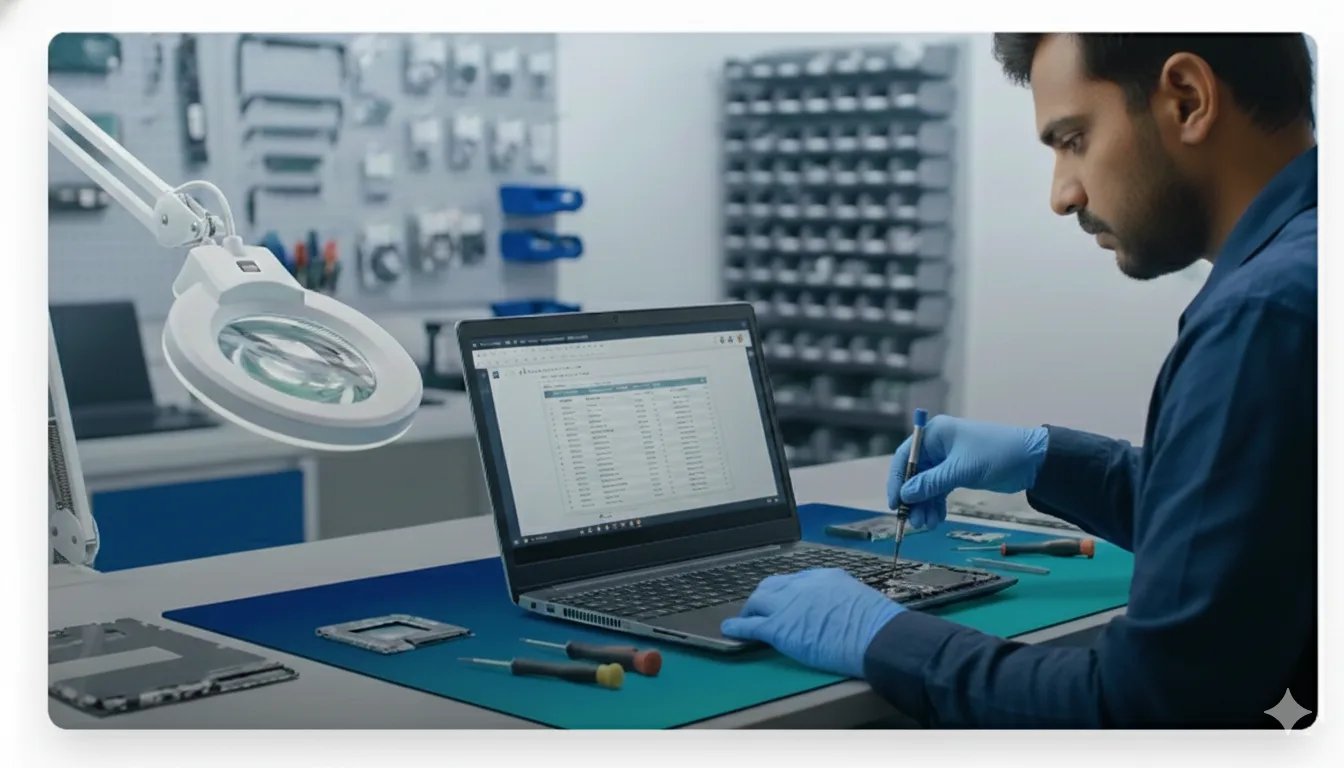
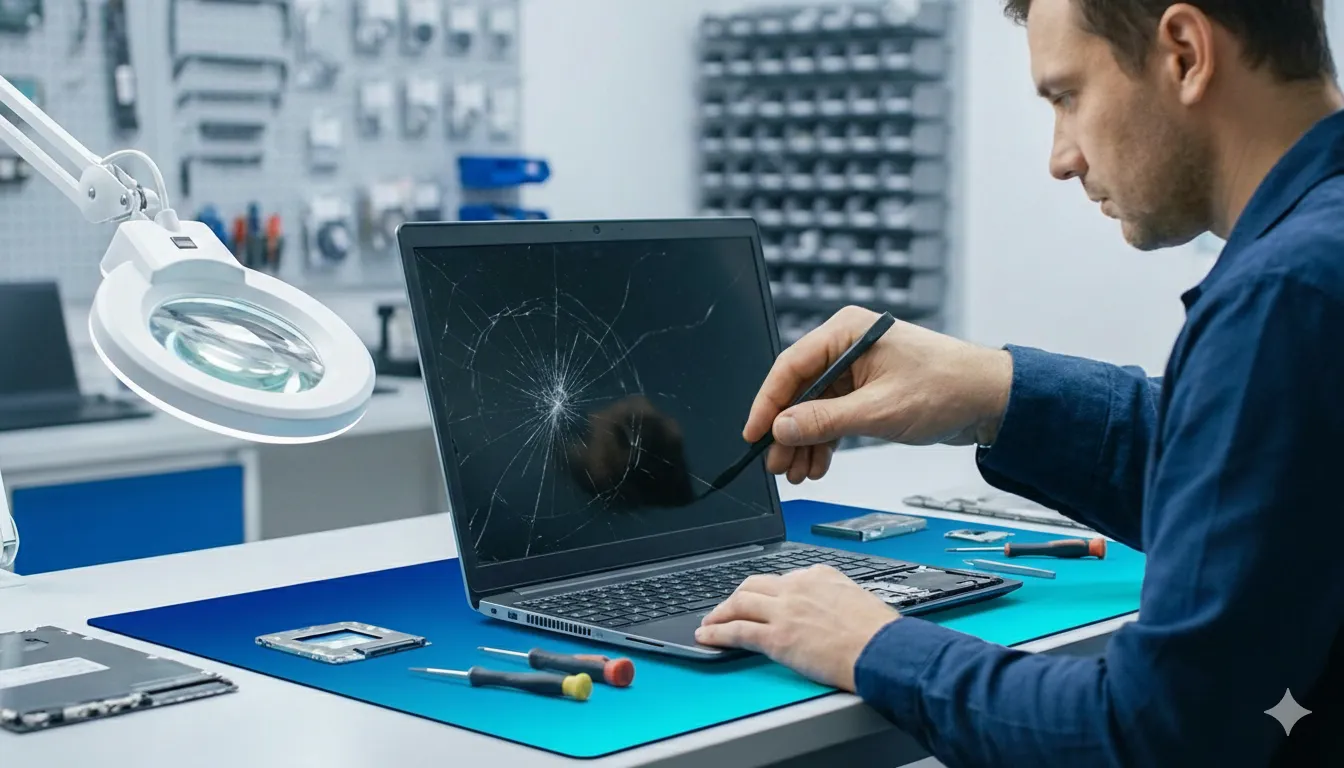
Screen
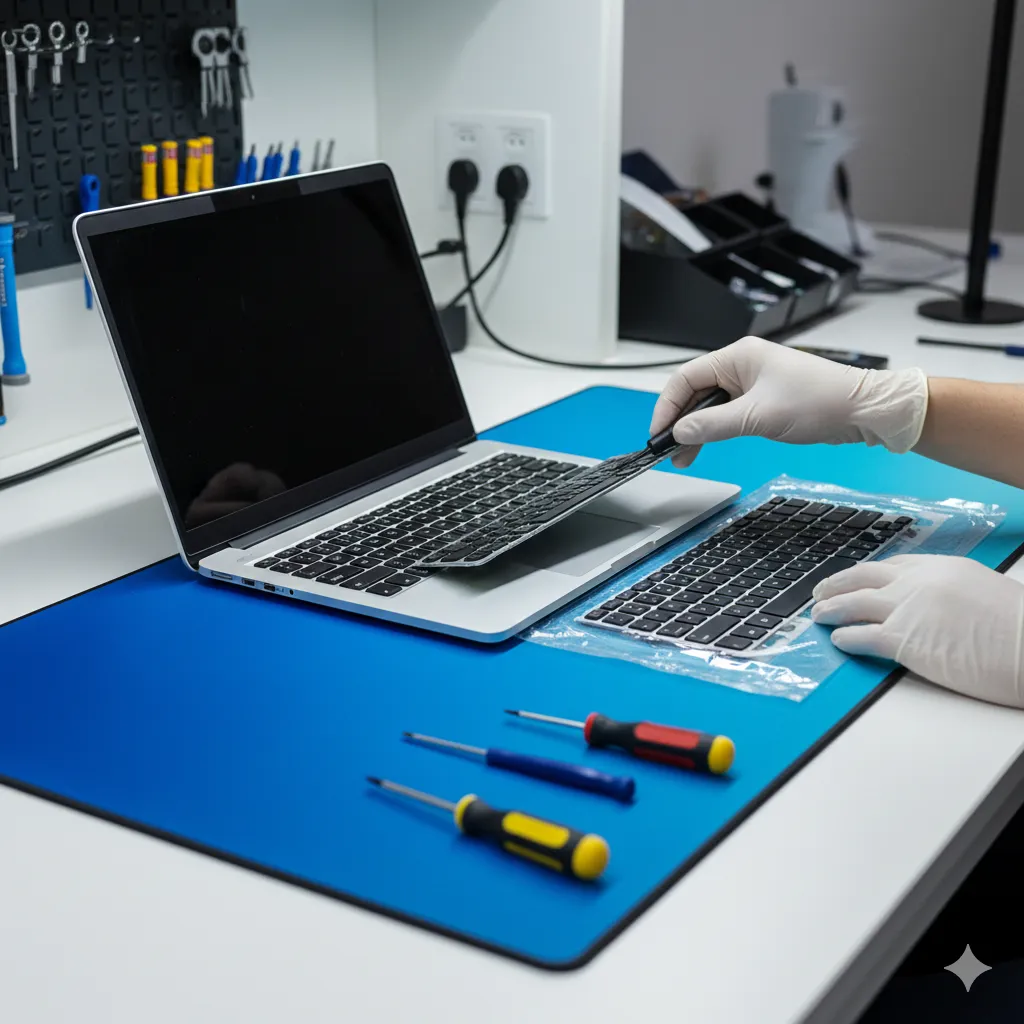
Keyboard
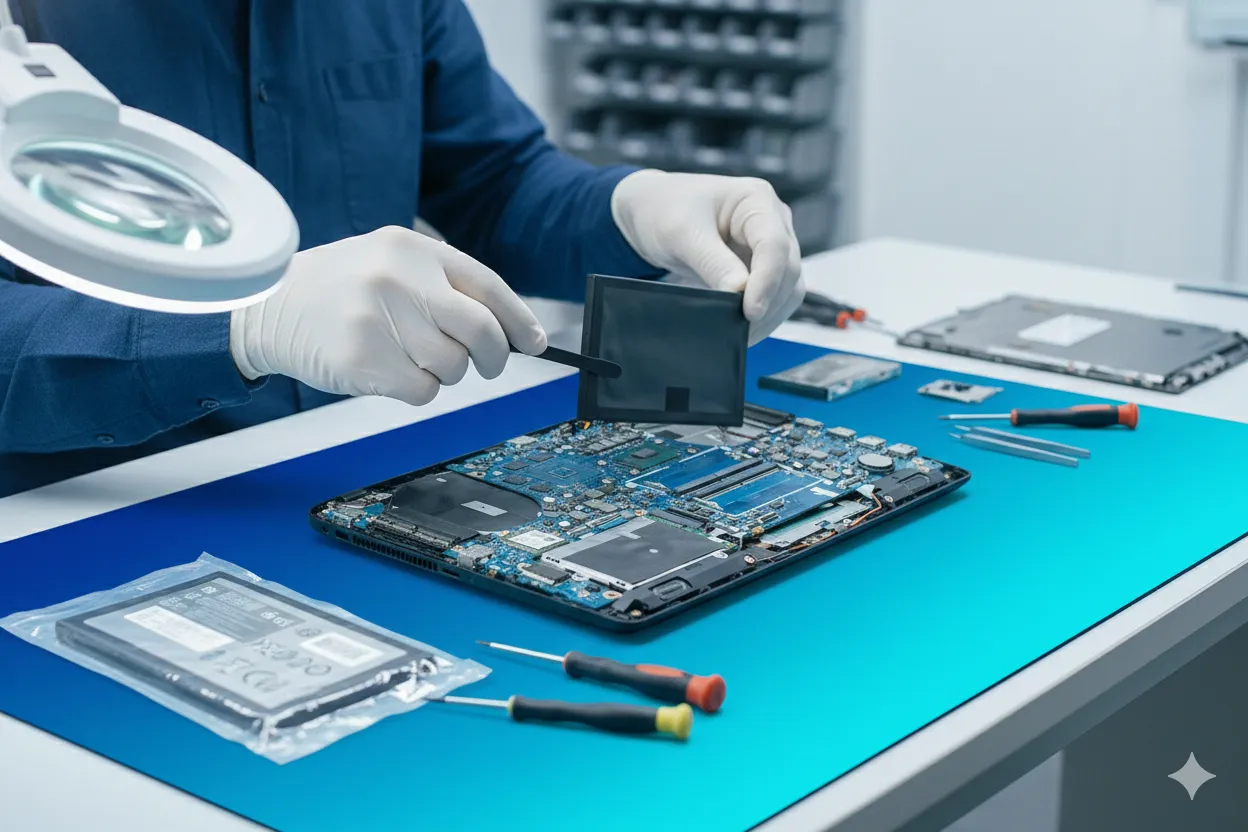
Battery
Motherboard
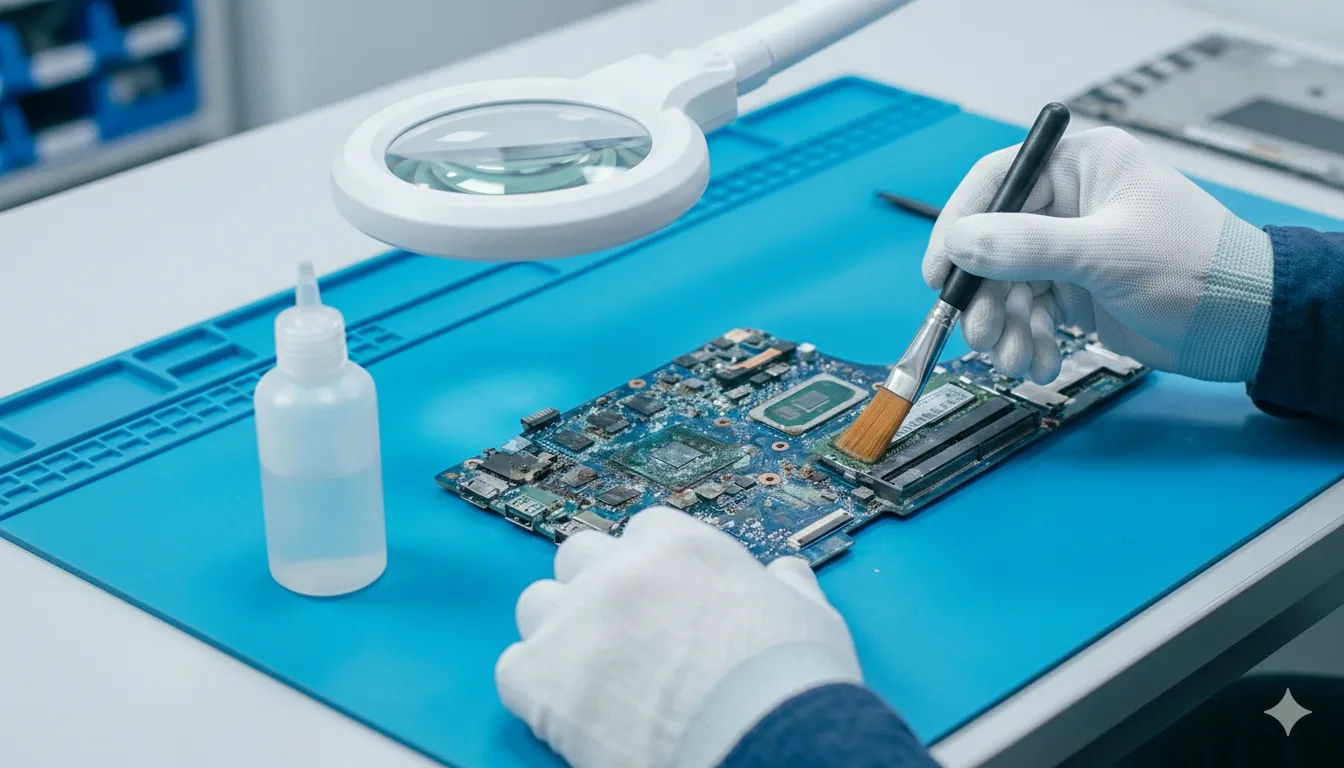
General
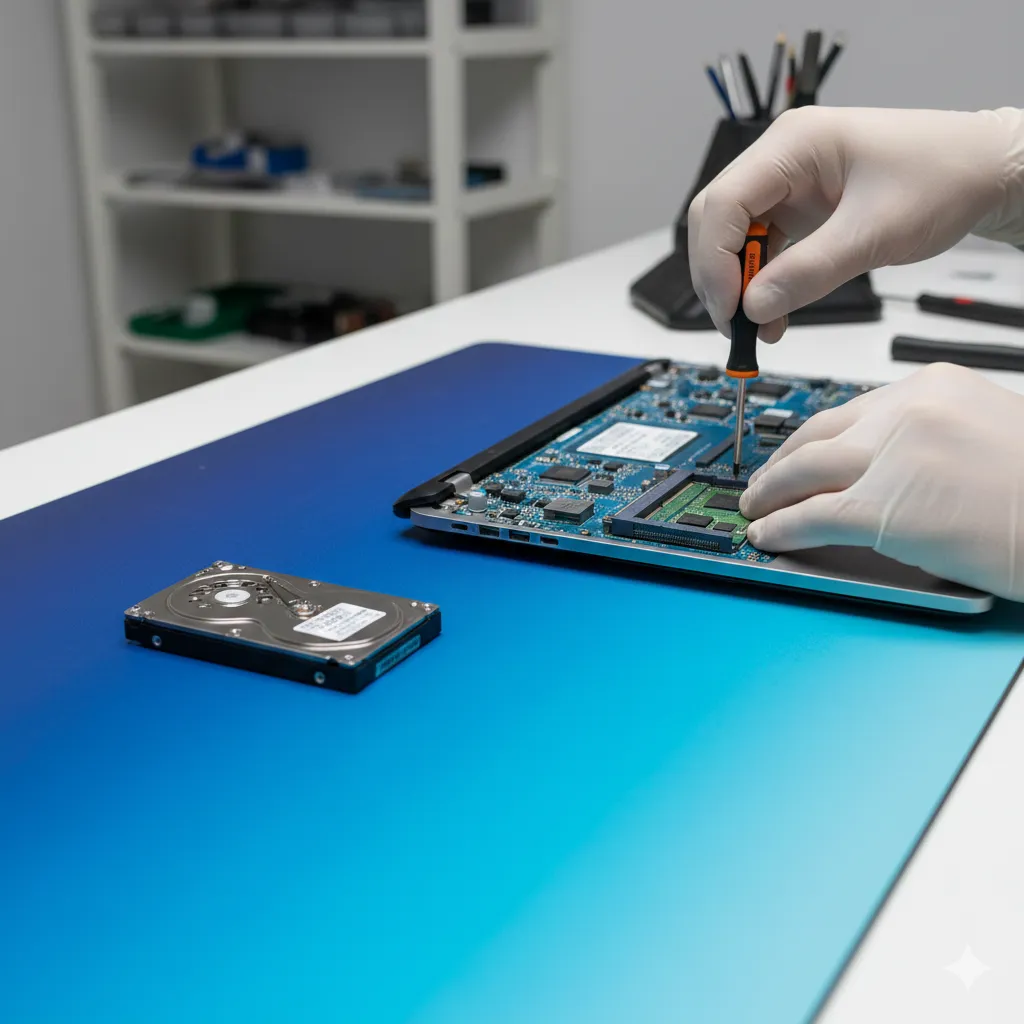
Hinges
No response at all
The pointer does not move, though an external mouse works normally.
- Check whether the touchpad is disabled in settings or by a function key
- Driver and Windows update review
- External mouse test to isolate hardware from software
Erratic or jumping pointer
The cursor drifts, jumps or registers taps you did not make.
- Driver and Windows update review
- External mouse test to isolate hardware from software
- Ribbon cable and connector inspection where needed
Clicks stop working
Movement still works but left or right click no longer registers.
- External mouse test to isolate hardware from software
- Ribbon cable and connector inspection where needed
- Touchpad module replacement only if actually required
Stopped after an update or spill
The touchpad worked until a Windows update, a driver change or liquid contact.
- Ribbon cable and connector inspection where needed
- Touchpad module replacement only if actually required
- Price approval before any component is changed
Inside a touchpad visit
Check whether the touchpad is disabled in settings or by a function key
- Driver and Windows update review
- External mouse test to isolate hardware from software
- Ribbon cable and connector inspection where needed
Rule out the free fixes first
A disabled setting, a function-key toggle, a driver replaced by a Windows update, or a loose internal ribbon cable will all present as a dead touchpad. Those are checked before any part is quoted, because the fix is often free.
- Share the exact model number
- Describe when the issue started
- Approve the quote before work begins
Most touchpad faults are not a broken touchpad
A disabled setting, a function-key toggle, a driver replaced by a Windows update, or a loose internal ribbon cable will all present as a dead touchpad. Those are checked before any part is quoted, because the fix is often free.
Model Check
Compatibility checked before quoting
Clear Scope
Price shared before work begins
Specialists
Trained in all major models
Model Compatibility
The exact laptop model is checked before a component or visit is confirmed
Clear Service Scope
The expected work and price are shared before the job begins
Model Specialists
Specialized training in all major laptop models
GetSetFix
Touchpad and input
Bangalore
Why book touchpad service here
Settings and drivers checked before any part is quoted, so you do not pay for hardware you do not need
Model Check
Compatibility checked
Home Visit
Home/office solution
Quality Parts
Limited warranty available
Transparent
No hidden charges
Bangalore
Fast solution
Customer First
Published customer feedback
Model-aware Options
The exact laptop model and symptom are reviewed before the service scope is confirmed.
Home Visit Available
We come to your home or office. No need to carry your laptop - convenient solution at your location.
Quality Parts
Compatible component options are checked against the laptop model. Coverage terms for eligible components are stated in the quote.
Transparent Pricing
Get instant price quotation on WhatsApp. No hidden charges - what you see is what you pay.
Customer First Approach
Published Google feedback and doorstep assistance across Bangalore.
Customer Reviews
Published customer feedback
"Marathahalli best mobile diagnostics. Kaushik Sir good job."
"Very good diagnostics. The speaker work was completed within two hours with good finishing."
"Punctuality and perfection. The owner is friendly and trustworthy."
Frequently asked questions
Clear answers about laptop touchpad service, pricing and appointment suitability.
Why has my laptop touchpad stopped working?
Common causes are the touchpad being switched off by a function key, a disabled setting in Windows, a driver replaced during an update, a loose internal ribbon cable, or physical or liquid damage. The cause is identified before any part is suggested.
Can this be sorted without replacing anything?
Often yes. Settings, function-key toggles and driver problems account for a large share of touchpad faults and need no new component at all.
Do you check the touchpad at my home in Bangalore?
Yes. The assessment is carried out at your home or office in Bangalore, and eligible work is completed on site.
How much does touchpad service cost in Bangalore?
Visits start at ₹550. If a replacement module is needed the price depends on the laptop model, and the quote is shared before work begins.
The pointer moves but clicks do not work. Is that the same fault?
Not necessarily. Movement and click can fail independently, and click failure is sometimes mechanical wear rather than a driver problem, so both are tested separately.
My touchpad stopped after a Windows update. Can that be sorted?
Usually yes. A driver replaced or rolled back during an update is a frequent cause and can normally be resolved without changing hardware.
How quickly can a technician be assigned?
We aim to assign a technician within about two hours, subject to your location, technician availability and the type of service required.
Which laptop brands do you cover for touchpad issues?
Common HP, Dell, Lenovo, Asus, Acer and Apple MacBook models are supported. Component availability is confirmed using the exact model number.
Other Services
Complete tech solutions
Laptop maintenance service
Cleaning, thermal care and upgrade checks
Laptop keyboard replacement
Help for stuck, missing or unresponsive keys
Laptop screen replacement
Help for cracked, flickering or blank displays
Laptop battery replacement
Help for fast drain, charging and shutdowns
Laptop hinge replacement
Help for broken, loose or stiff hinges
Laptop problem service
Symptom-first diagnosis before any component is quoted
Laptop service at home
A technician at your home or office address
All services and prices
All laptop and mobile services with starting prices
Mobile phone repair
Phone screen, battery, charging port and water damage
Laptop maintenance service
Cleaning, thermal care and upgrade checks
Laptop keyboard replacement
Help for stuck, missing or unresponsive keys
Laptop screen replacement
Help for cracked, flickering or blank displays
Laptop battery replacement
Help for fast drain, charging and shutdowns
Laptop hinge replacement
Help for broken, loose or stiff hinges
Laptop problem service
Symptom-first diagnosis before any component is quoted
Laptop service at home
A technician at your home or office address
All services and prices
All laptop and mobile services with starting prices
Mobile phone repair
Phone screen, battery, charging port and water damage
Touchpad stopped responding?
Tell us the model and when it stopped working for a quick assessment